Images / The showcase
One image.
Every possibility.
Start with optimized sizes. Find the right crop. Remove the background. One source, ready for the places your images need to go.
Start for free01 / Ready from the first upload
A size for every
part of the experience.
The story someone opens. The product they discover. The preview that brings them back. Start with Small, Medium, and Large URLs, ready for the way you build.
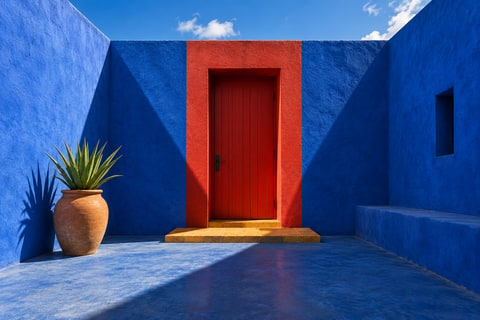
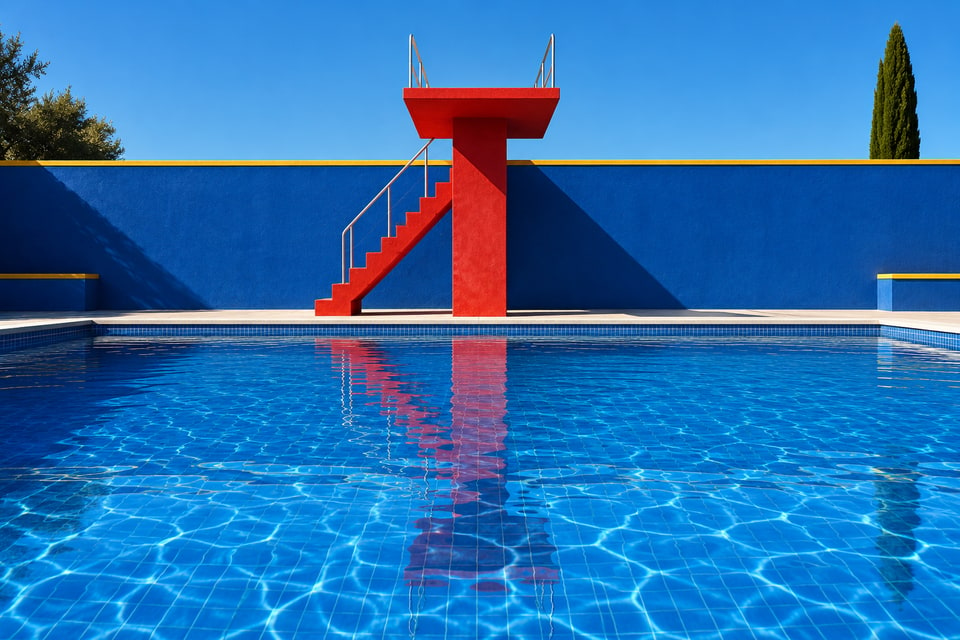
Places / Architecture
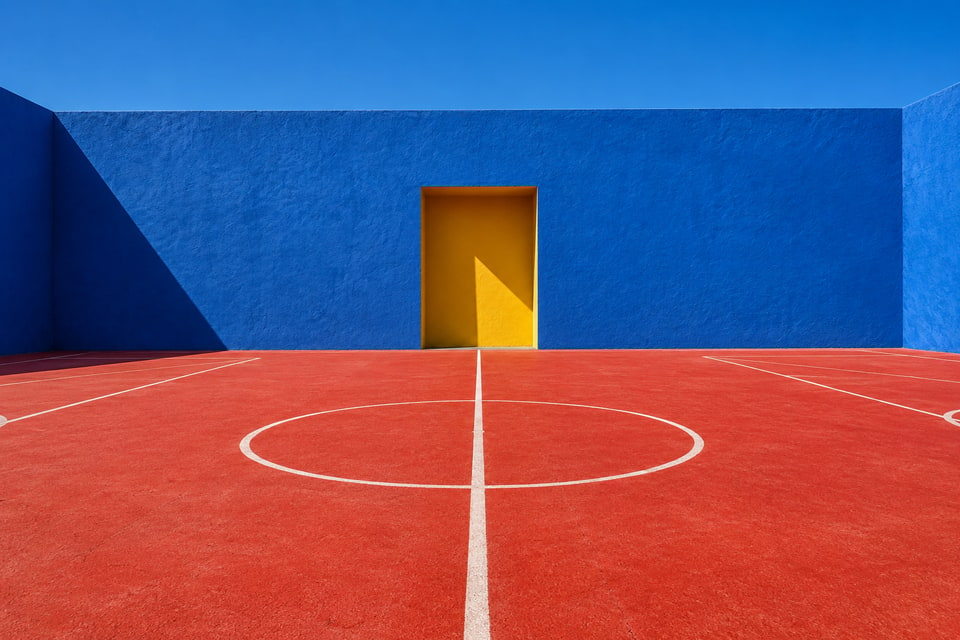
Another point of view.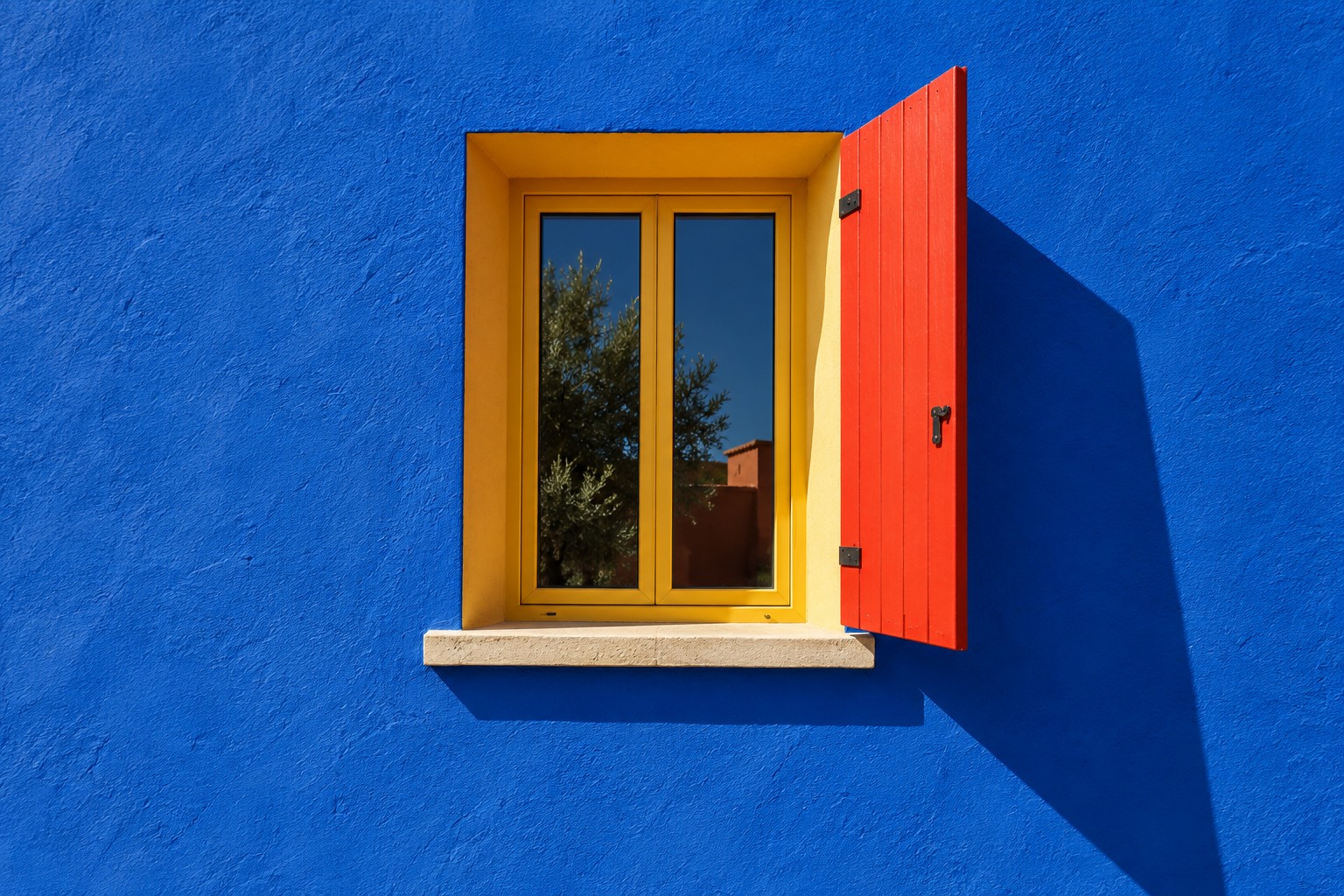
A little color. A new perspective.
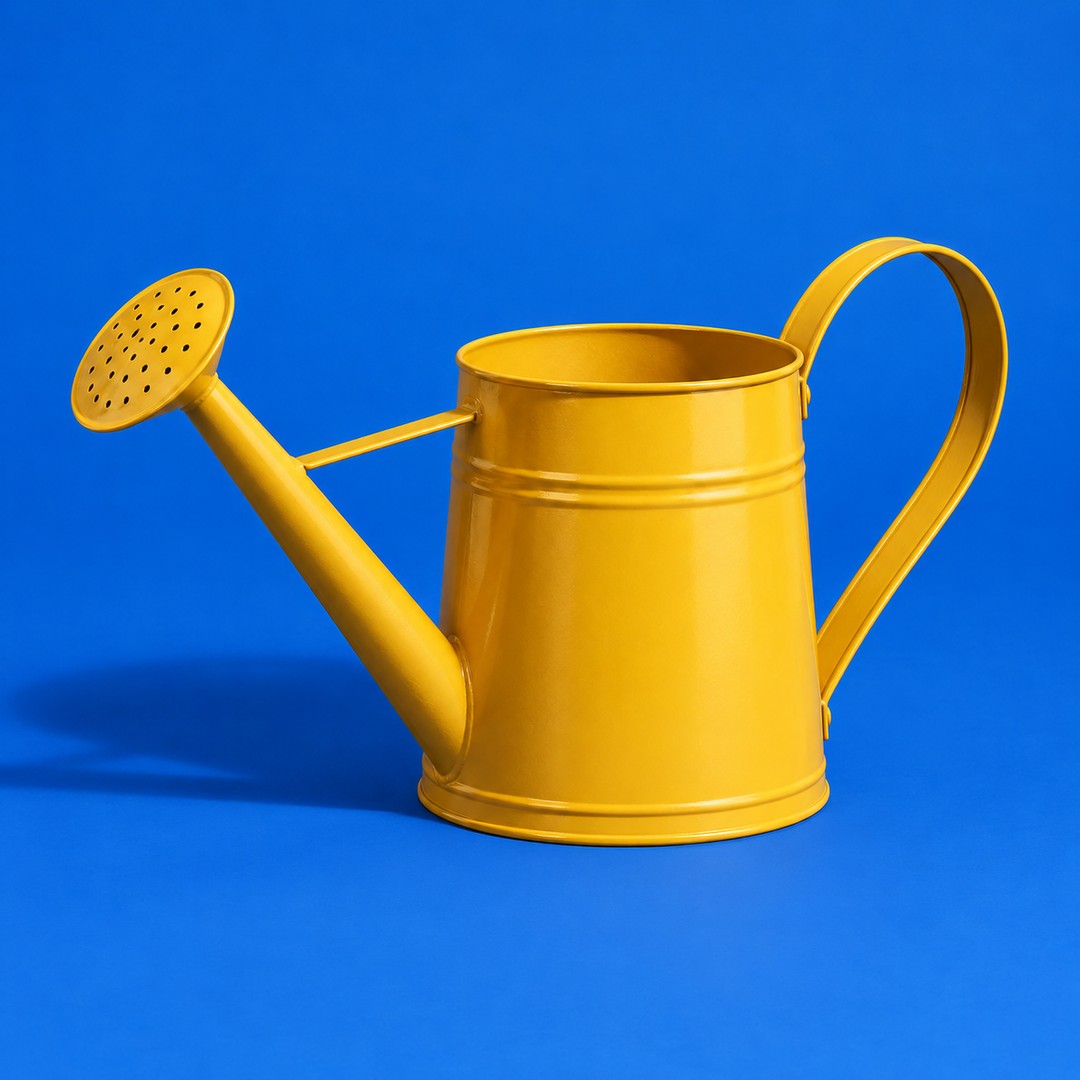
The color collection
Let something grow.Metal watering can / Marigold

Example layouts. Small, Medium, and Large have short-side maximums of 320, 640, and 1080 px. Original proportions stay intact; images are never enlarged.
02 / Background removal
Keep the subject.
Open up the possibilities.
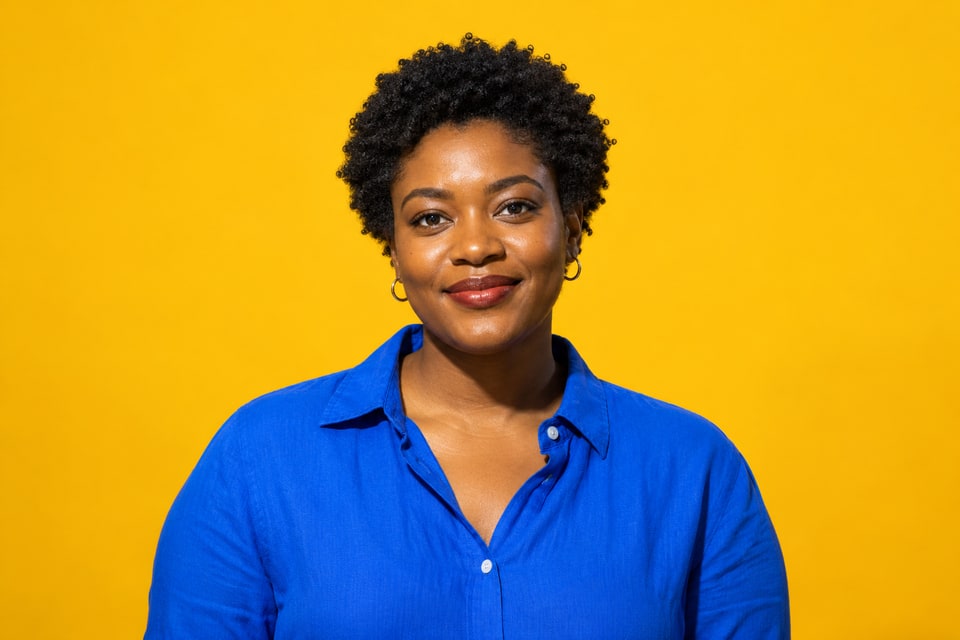
Take a person or product out of the scene and into your design. A transparent cutout gives your next composition room to happen.
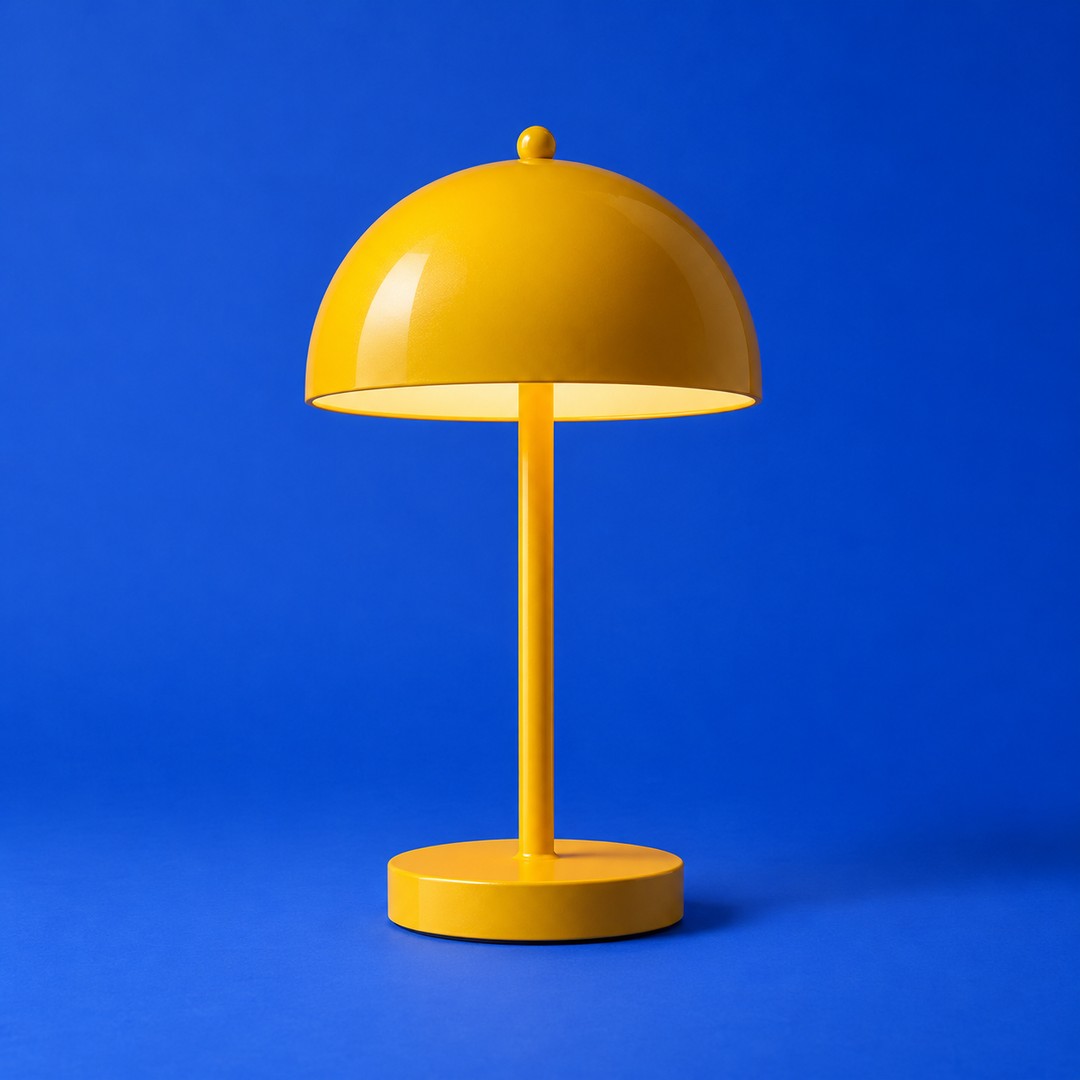
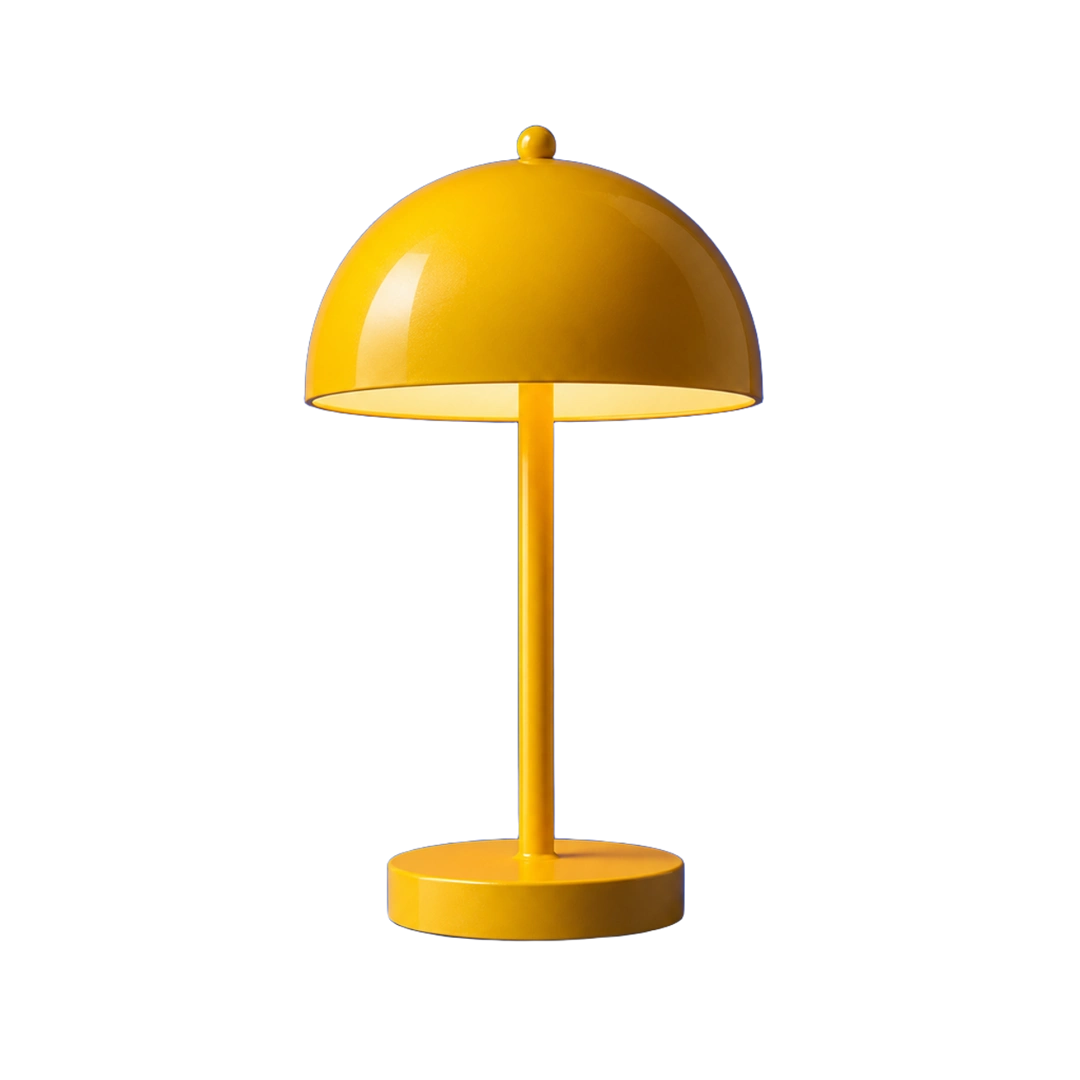
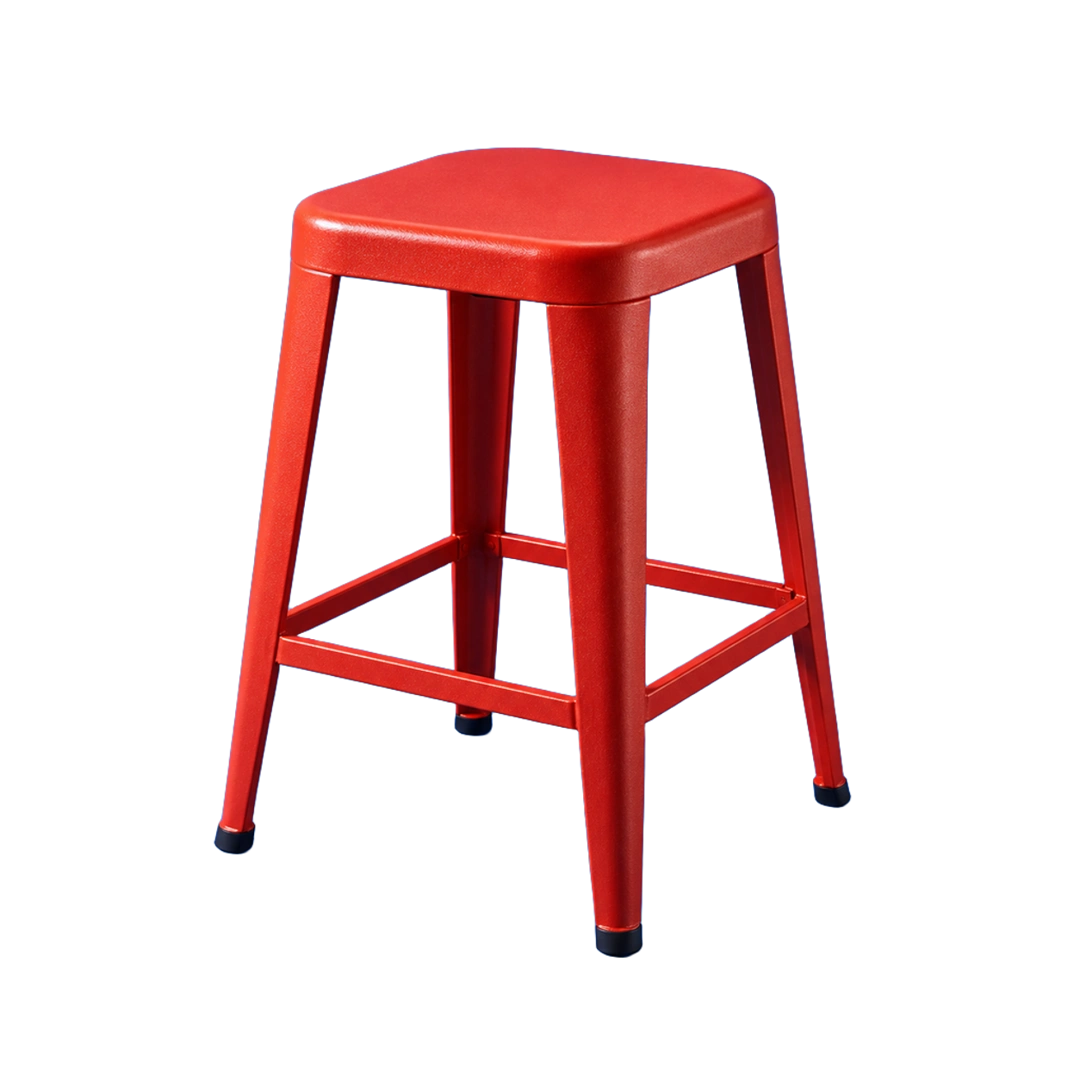
Objects / In the edit
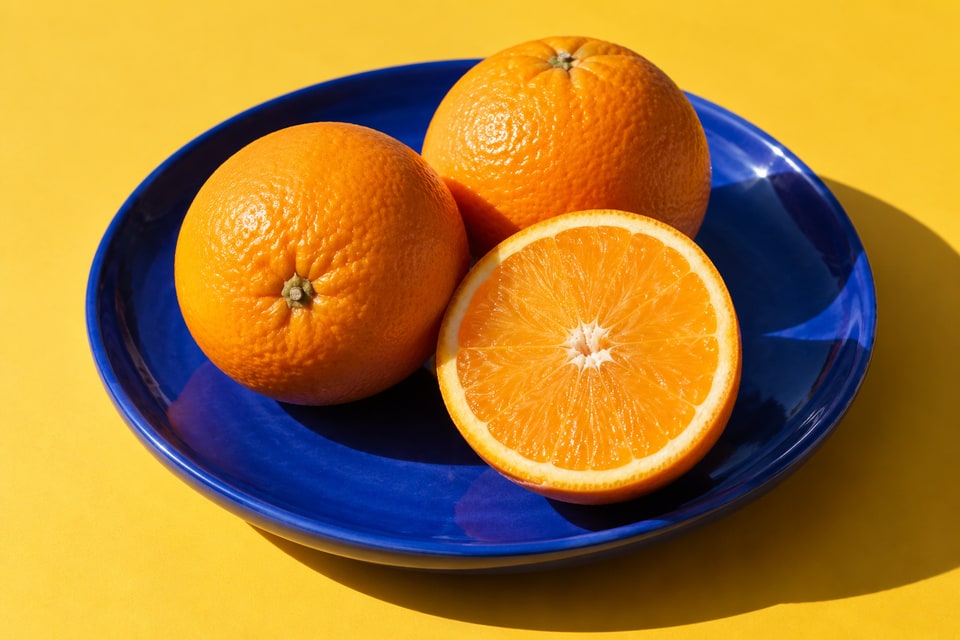
A place in the sun.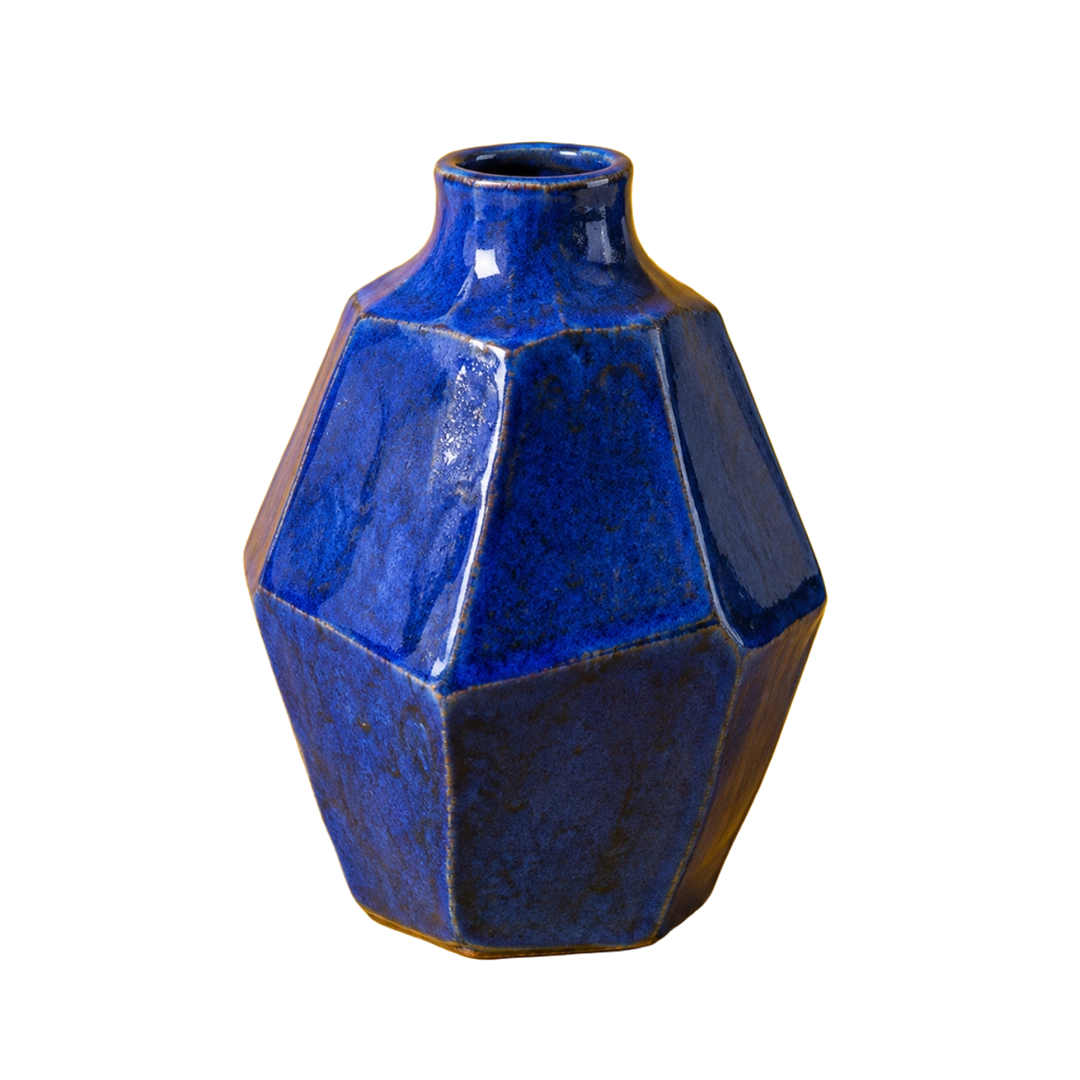
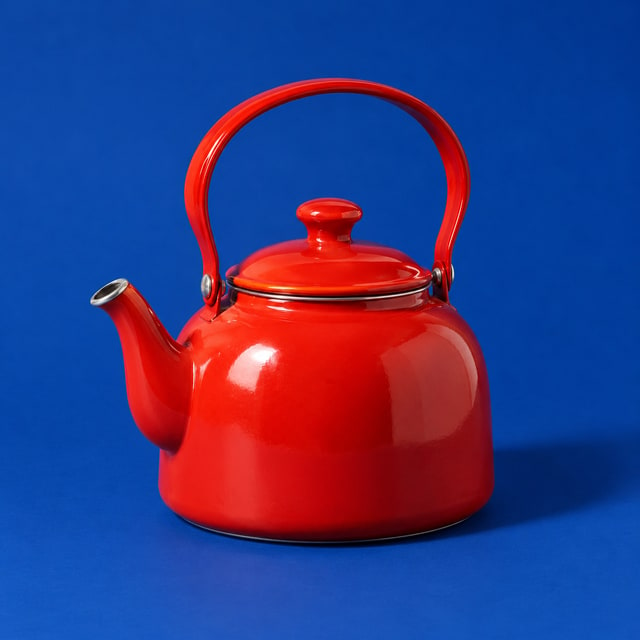
Objects / In the collection
A little blue.Sculptural ceramic / Cobalt
segment=foreground&format=webp03 / Resize & crop
One image.
Every kind of frame.
A story cover. A card in the feed. A full-height moment on a phone. Set the dimensions and fit in the URL, and make one image work across your experience.
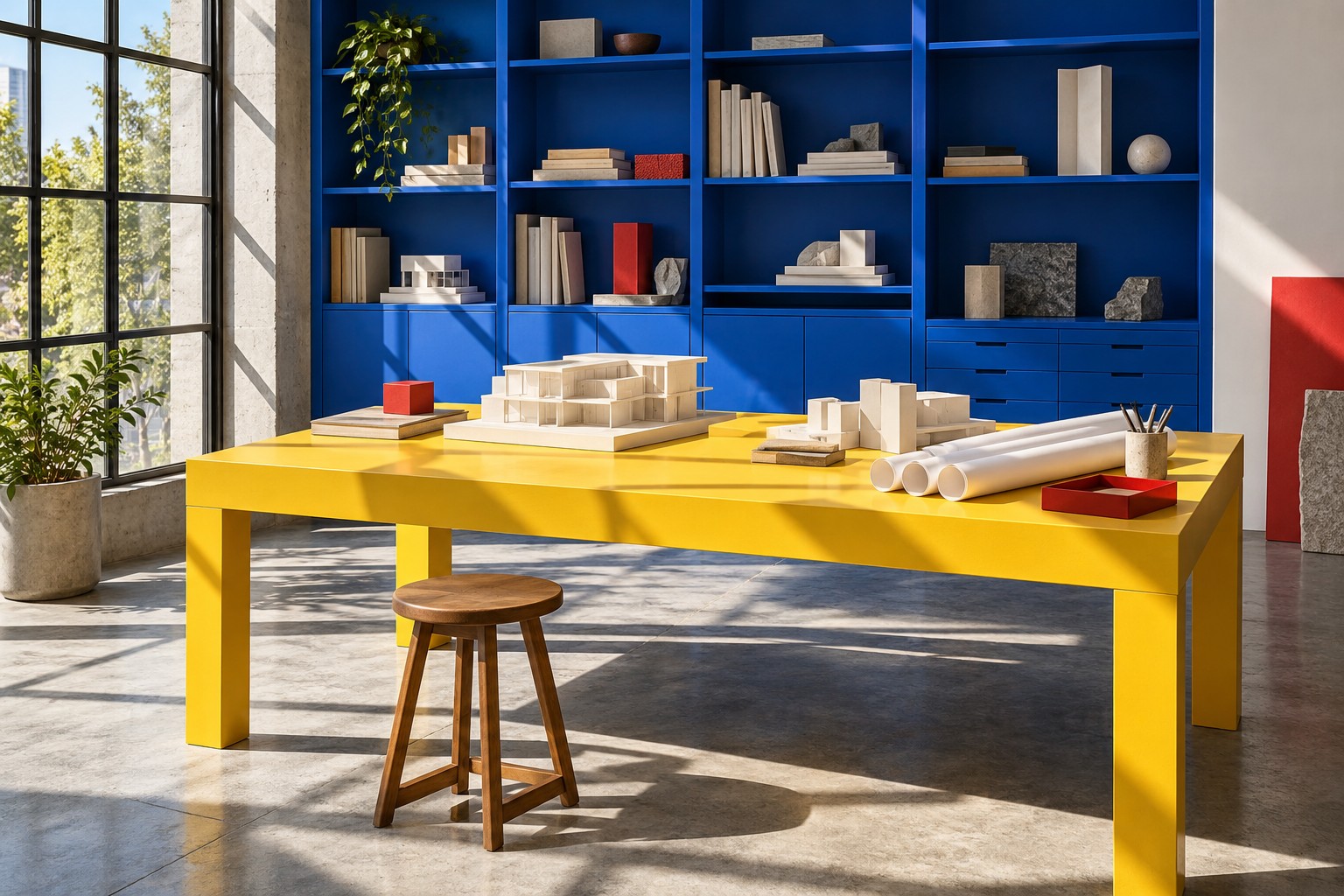
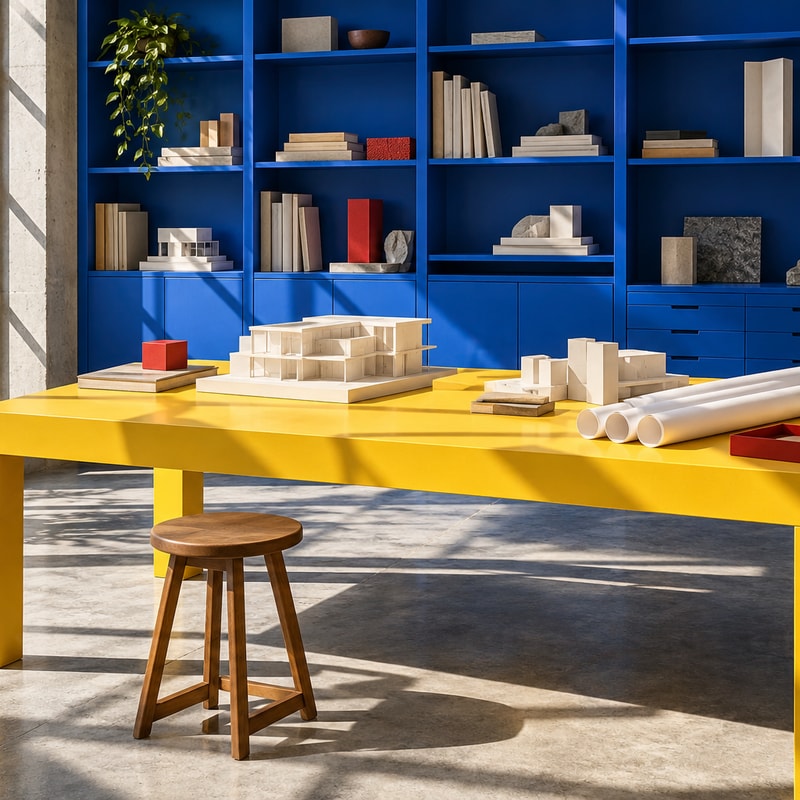
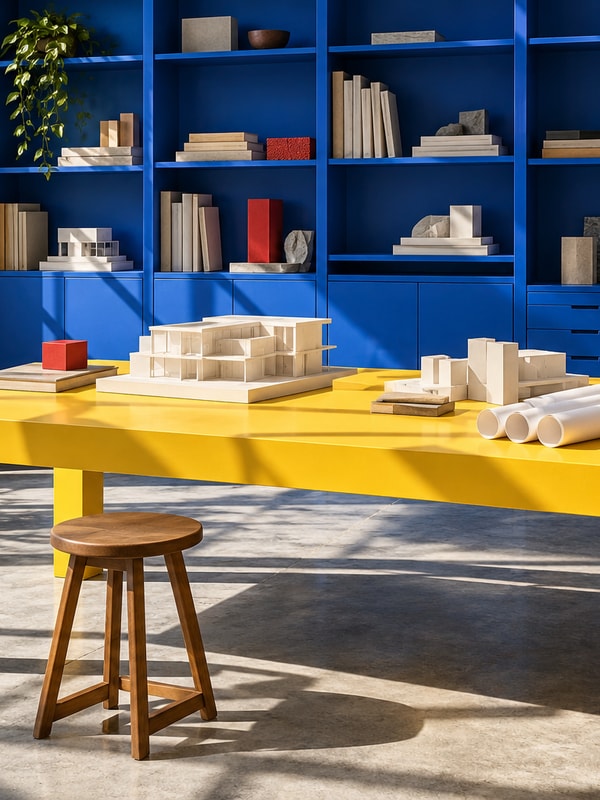
w=800&h=800&fit=cover04 / Color & tone
Color that suits
the story.
Dial back the color. Bring out the contrast. Give an image a look that belongs in your design.

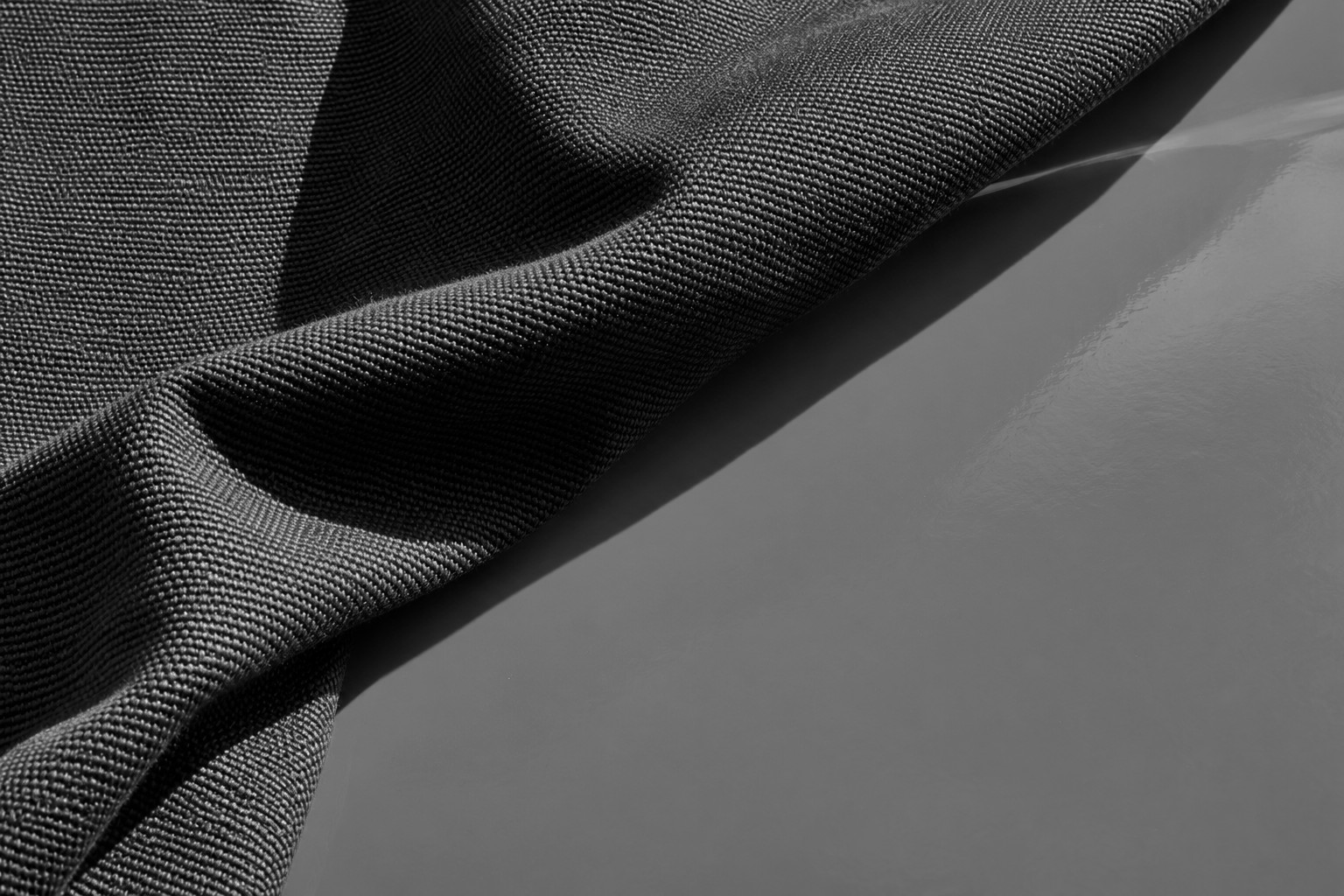
saturation=005 / Softness & atmosphere
A softer backdrop
for your words.
A softer image makes room for something else. Turn a photograph into a backdrop for your next story.
for an idea.A different way to see it.
blur=18Your images. More possibilities.
Sizes, crops, and transformations are included on every plan. Your plan counts stored images, not each version.
Need a particular fit, quality, rotation, or background? The URL gives you more control.

Ready for your next idea
Start with an image.
Build something of your own.
Up to 5,000 images and 50 users per App on Free.